CLI, automation and Linux desktop
Daybar
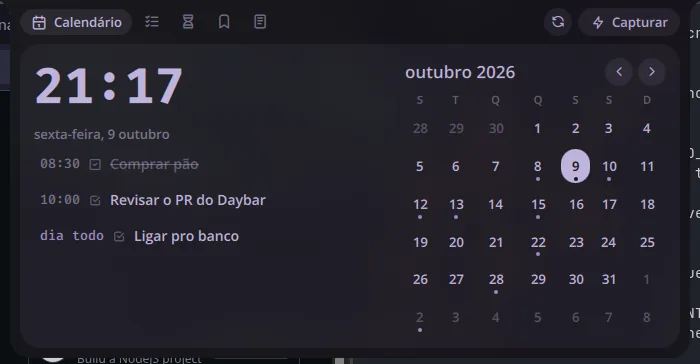
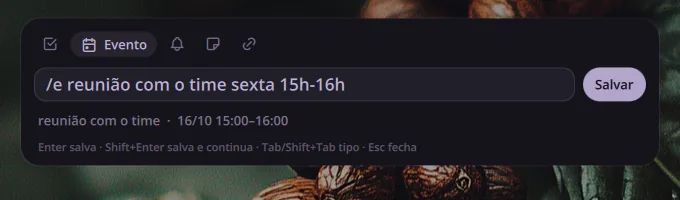
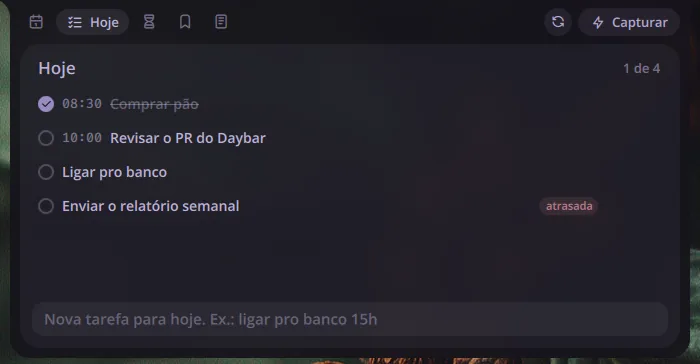
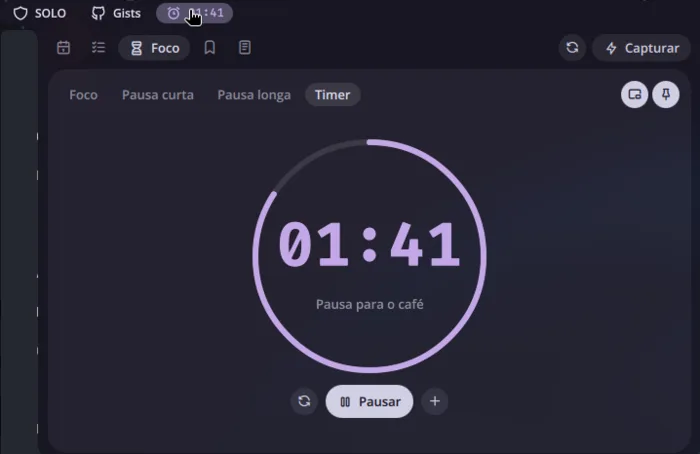
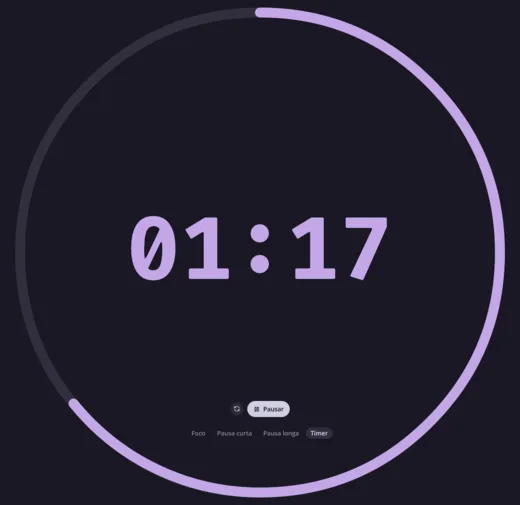
Plugin for Noctalia Shell that gathers the day into a bar: a quick-capture field that understands free text ("buy bread tomorrow 9am" becomes a task, "/e meeting Friday 3pm-4pm" becomes an event on Google Calendar), plus today's checklist, pomodoro and timer (which also open in their own window or pinned to a screen corner), favorites with page preview and Markdown notes.
The problem
Logging a task, an appointment, a link or an idea meant opening a different app for each one and leaving what I was doing on the desktop.
Technical decisions
A plugin of the shell itself, in QML, instead of a separate app: everything opens by shortcut, from the bar. Capture identifies the type by the prefix (/e event, /l reminder, /n note), by a URL or by an account. Google Calendar is read and written through khal and synced by vdirsyncer, with OAuth credentials kept in the system keyring and not in a file. Pomodoro and timer share the same tab and only one runs at a time: starting one pauses the other, without losing the time that was left. Both also respond to capture (/t 10m tea starts a timer, /p starts or pauses the pomodoro) and leave the panel with a click, in a Niri window or as a small clock pinned to the screen corner.
Outcome
Personal use on my desktop with CachyOS and Niri, published under the MIT license. Tested on Noctalia 4.7.7; it does not yet run on Noctalia v5, which has a different plugin system, and the port is planned.
Shortcuts
- Mod + Space
- opens quick capture
- Mod + Shift + Space
- opens the panel with the tabs
- Tab
- switches the capture type
- Enter
- saves and closes
- Shift + Enter
- saves and keeps the field open
- Esc
- closes
- Ctrl + E
- switches the note preview for the editor
- Ctrl + S
- saves the note right away
Images